
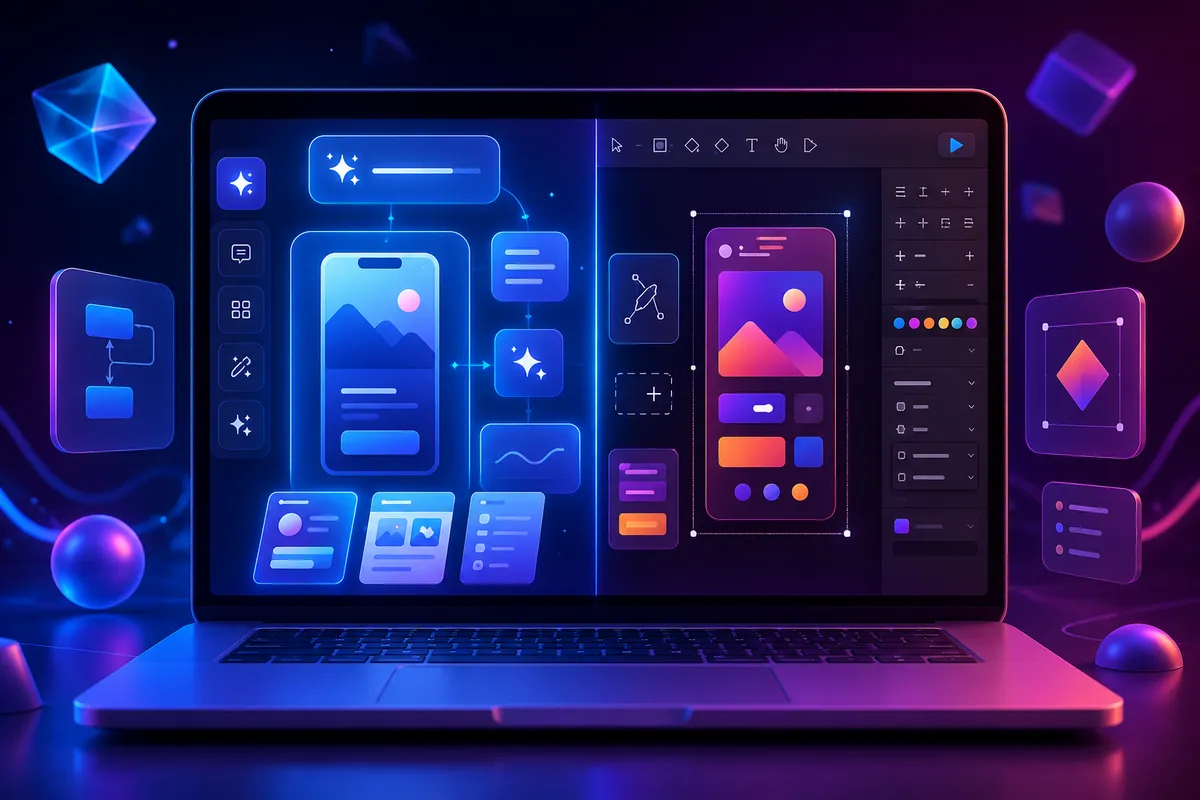
The field of UI/UX design has seen tremendous improvements in the last few years. Creating interfaces which used to take hours in the form of wireframing, prototyping, and creating components from scratch now takes mere minutes using AI-driven software.
Figma has been the favorite of most professional designers to create websites and mobile applications. But Google has presented another innovative approach in which the interface can be created using language-based prompts and exporting it to the developer workflow.
I have used both of these tools and have seen that the Google Stitch allows designing the interface faster during the early stages than Figma and therefore I consider it the best tool to create UI concepts and prototypes.
In this article, I will compare these two tools from my experience.
What is Figma?
Figma is an online tool for creating UI/UX designs for websites and mobile applications. Figma allows teams to design:
- Wireframes
- High-fidelity UI Designs
- Prototypes
- Design System
- Hand-off to Developers
Best For
- UI design professionals
- Big product teams
- Design Systems
- Workflow collaboration
What is Google Stitch?
Google Stitch is a UI generator powered by AI technology offered by Google Labs that transforms prompts, sketches, or screenshots into full-fledged UI design. It also offers features for export of the design into Figma and creation of frontend code which helps to connect designing and developing stages.
Rather than creating each element by hand, you just need to provide a description of your application.
Prompt example:
"Create a BMI Calculator app with height and weight fields, BMI result card, health status, simple illustrations, and neat responsive design."
Almost instantly Stitch creates several UI options that can be further enhanced.
My Experience Using Both Tools
I have been designing interface and creating prototype through the use of Figma.
However, recently I have started using Google Stitch, and this tool has revolutionized the way I create the design initially.
Rather than spending hours on the creation of designs, I just need to describe my concept.
Google Stitch then provides me with:
- Several versions of UI designs
- Contemporary layout designs
- Responsive screen designs
- Consistent color schemes
- Editable designs
And all of this within minutes.
Who Is Google Stitch and Figma Intended For?
The intended audience for Google Stitch includes:
- Developers
- Founders of startups
- Freelancers
- Students
- Beginners interested in exploring UI design
- Teams designing MVPs
The intended audience for Figma includes:
- UI/UX Designers
- Product Designers
- Design Teams
- Agencies
- Enterprise-level organizations
- Companies dealing with large design systems
Why I Prefer Using Google Stitch
Upon evaluating both tools, Google Stitch has become my go-to UI design tool due to the following reasons:
- Quick Design Workflow
With Stitch, I don't need to start with a completely empty canvas. This helps in overcoming any creativity barriers and quick ideation. - Various Design Options
A single prompt results in many possible layouts. This enables me to make comparisons and find the most appropriate design. - More Suitable for Developers
Being a developer myself, Google Stitch seems like a more developer-oriented platform. It can produce designs that are ready to be used on the frontend of applications. - Best for MVPs
When working on MVP or startup products, speed is key. Google Stitch can generate professional UI faster without wasting time creating each design from scratch.
Where Figma Wins Anyway
Despite all its strengths, Figma wins when it comes to:
- Enterprise-scale projects
- Design systems
- Precision in editing
- Collaboration within team
- Prototyping features
- Component libraries
When it comes to the actual production-level UI design, Figma gives more precision in controlling all the elements of your design.
Is Google Stitch Capable of Replacing Figma Completely?
No.
In my opinion, Google Stitch is not Figma replacement but rather an accelerator.
The optimal workflow looks like this:
- Brainstorm designs in Google Stitch.
- Transfer design into Figma.
- Fine-tune layout, components, interactions.
- Send ready-to-code designs to developers.
That is the best way of combining fast AI technology with precise design tools. Google created Stitch to work in such a way that design could be exported to Figma.
Conclusion
However, each of these platforms has its advantages. Google Stitch works much better when one needs to create a quick prototype of UI through an artificial intelligence, which makes it more appropriate for brainstorming and creation of MVPs. Figma is still the top platform for professional UI/UX design as it has much more editing and collaboration features. In my opinion, Google Stitch is more preferable for making first drafts since it helps to save time and speed up the whole process of designing.